
Why Does Your Gaming Mouse Sensor Have & Needs an IPS Number?
Scroll down almost any gaming mouse spec sheet and you will hit a line that says something like 650 IPS. It sits right next to DPI and just above acceleration, and most of us skim straight past it. Can you blame us? It looks like a number only engineers would care about.
It’s worth a minute, though, because it tells you something real about how your sensor behaves when you flick hard. So make a tea and let’s decode it. And no, it has nothing to do with your monitor.
The Short Answer
IPS stands for inches per second. On a mouse, it’s the fastest speed you can move your hand before the sensor stops tracking accurately. Go past that number and the cursor can glitch or freeze.
For most players, any good modern sensor has more than enough, and you will rarely get anywhere near the limit.
Quick Breakdown Table
| Spec | What it measures | What to remember |
|---|---|---|
| IPS | The fastest speed the sensor can track accurately | 400 or more is a good target, and most players never reach the limit |
| G (Acceleration) | How sharply your speed can change while tracking | Not the software acceleration setting |
| DPI | How far the cursor moves per inch | Not the same as IPS, and low DPI players benefit more from high IPS |
| Spin-out | The sensor losing track when you move too fast | Shows up as a freeze or glitch during hard flicks |
A bigger number means more headroom, not better aim.
What IPS Actually Means
Here’s the confusing bit. If you have ever bought a monitor, you have seen IPS there too, but that’s a type of screen panel, a completely different thing. On a mouse, IPS is just speed.
Think of it as a speed limit for your sensor. We define it as the maximum speed at which the sensor can still track accurately. A sensor rated at 650 IPS, for example, can keep up with about 54 feet per second of hand movement, which is quick. It’s faster than most of us will ever swipe.
It is not sensitivity either. It does not change how far your cursor moves, it only tells you how fast you can go before the sensor loses track.

What Happens if You Go Past it
Move your mouse faster than its rating and the sensor simply cannot keep up. That’s called a spin-out. The crosshair might jump somewhere strange, glitch or freeze for a moment, and your flick lands nowhere near where you meant it to.
When it happens it feels random. You flick hard, miss wildly, and blame yourself. Sometimes it really is the sensor, though. If it keeps happening, our piece on optical vs laser gaming mice can help you think through what else might be going on with tracking.
How Much IPS is Enough?
We recommend 400 IPS or more for a good modern gaming sensor, so it can keep up with fast flick shots in a shooter. That works out to roughly 33 feet per second.
Does a bigger number mean better aim? Not really. We say higher ratings give you more headroom, but they do not prove the aim will feel any better. Your surface, the sensor design, the shape of the mouse, your sensitivity and your technique all play a part. And most players never operate anywhere near the top limit anyway.
IPS vs DPI
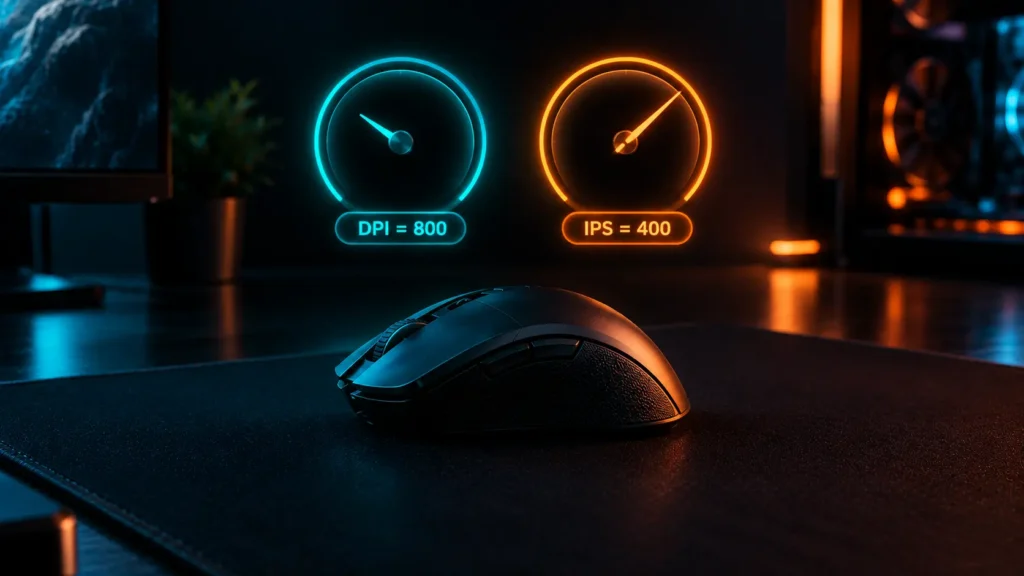
People mix these two up all the time. DPI sets how far your cursor moves for each inch you move the mouse, while IPS is a separate limit on how fast you can move the mouse before the sensor loses it.
Here’s where they meet. Players on a low DPI move the mouse farther and faster to aim, so they get more out of a high IPS. If you are a 400 DPI player doing big sweeping flicks, it matters more than it does for someone sitting at 1600. If you want the DPI side of the story, we have covered it in what DPI means in a gaming mouse and what CPI means.
What about Acceleration (G)?
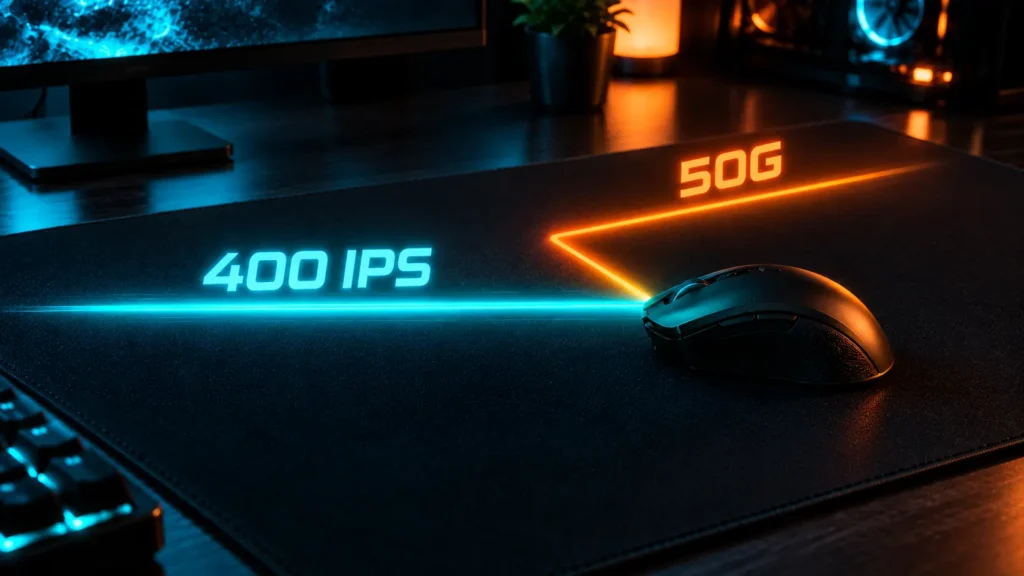
Next to IPS you will often spot a number followed by a G, like 50G. That’s acceleration, and it measures how sharply your hand’s speed can change while the sensor keeps tracking. One guide compares IPS to a drag race, pure straight-line speed, and acceleration to a rally race, with sharp starts, stops and turns.
Careful, though, because this is not the acceleration setting in Windows or your game. That’s something else entirely, and our guide on mouse acceleration in gaming covers it.
How to Test your Own Mouse
You do not need a lab for this. We suggests a simple check: swipe across the same part of your mousepad at your fastest controlled speed and watch the pointer. If it follows the path you meant and stops cleanly, you are fine. If it jumps, skips or freezes, your mouse might be reaching its limit, or something else is off.
Try it on your usual pad with your usual settings. And if you are also shopping for a new mouse, how to choose the right gaming mouse walks you through the rest.
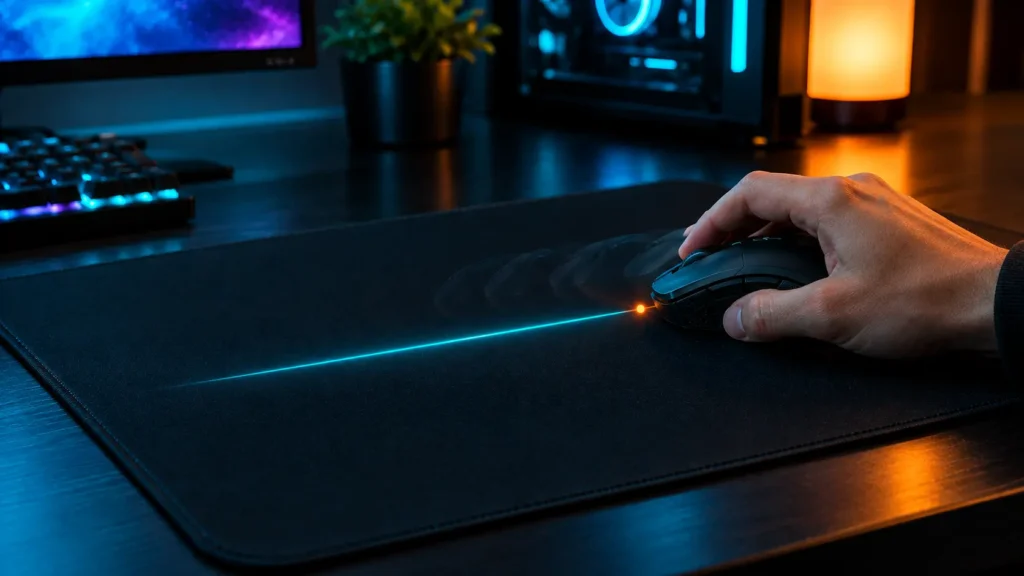
What Our Team saw
Our team heavily tested both mice to see how they actually handle high-speed gaming. We pushed the Logitech G502 X Plus all the way to its 400 IPS limit and maxed out the Corsair M65 RGB Ultra at its massive 650 IPS tracking speed during intense flick shots. Honestly, during real gameplay, nobody on our team noticed a single spin-out or tracking glitch on either mouse. Even during the fastest arm swings on cloth pads, the sensors kept up flawlessly without a single hiccup.
The real test happened when we dropped the DPI low and made wide, aggressive sweeps across different surfaces. We were surprised by how consistent the tracking remained; Logitech offered a very smooth, controlled glide on standard cloth, while Corsair felt incredibly snappy and sharp on textured hard pads. In the end, our real-world usage proved that whether you are gaming at 400 or 650 IPS, modern sensors are now way faster than human hands can ever move.
Mistakes to Avoid
Final Verdict
Want the simple version? Look for a modern sensor with 400 IPS or more, and do not lose sleep over anything beyond that. If you flick fast at a low DPI, give it a little more attention.
Our advice is to treat IPS as a safety margin, not a score. The sensor that matters is the one that tracks cleanly on your pad, at your speed.
Frequently Asked Questions (FAQs)
Everything on this page comes from our team’s own experience, along with feedback from Amazon buyers and other verified users. We try to be straight about what we have seen, but experiences differ, and something that felt great to us would not necessarily feel the same to you. Fit, feel and habits are personal, so treat our advice as a starting point, not a promise.
We also pay attention to what real owners keep saying, not just what a spec sheet promises. If something looks great on paper but users keep flagging the same issue, we will mention it.