
Lift-Off Distance on a Gaming Mouse: The Spec Most People Skip
Here’s a situation you have probably been in. You are deep in a round, your mouse hits the edge of the pad, and you lift it to swing back. The moment it lands, your crosshair is somewhere you did not leave it. One missed flick later, you are annoyed at yourself. Before you blame your hands, take a look at the sensor. It may have kept tracking while the mouse was in the air.
That behavior is controlled by lift-off distance, a spec that sits in small print on most boxes. Some players run into it all the time, and others never think about it. We will cover what it means, who should care, and how to test your own mouse using nothing but a few playing cards.
The Short Answer
Lift-off distance, usually shortened to LOD, is how far you can raise the mouse before the sensor stops reading. You will see it in millimeters, and a smaller number means the cursor freezes sooner once you lift.
If you play at low sensitivity and lift the mouse a lot, a low and steady LOD is worth looking for. If you hardly ever lift, you can skip the worry. Also, lower is not always better. A value that’s too low can make tracking cut out at the wrong moments.
Quick Breakdown Table
| Lift-off distance | What it feels like | Who it suits |
|---|---|---|
| Low (around 1 mm) | Cursor stops almost as soon as you lift | Low-sensitivity players who reposition often |
| Medium (around 2 mm) | Balanced and forgiving on most pads | Most players |
| High (above 2 to 3 mm) | Cursor can keep moving while the mouse is airborne | Rarely ideal for aiming |
| Adjustable or calibrated | You tune it to your pad | Anyone who wants control |
Use these as rough guides. Real behavior depends on the sensor and the surface underneath it.
A Look Inside the Sensor
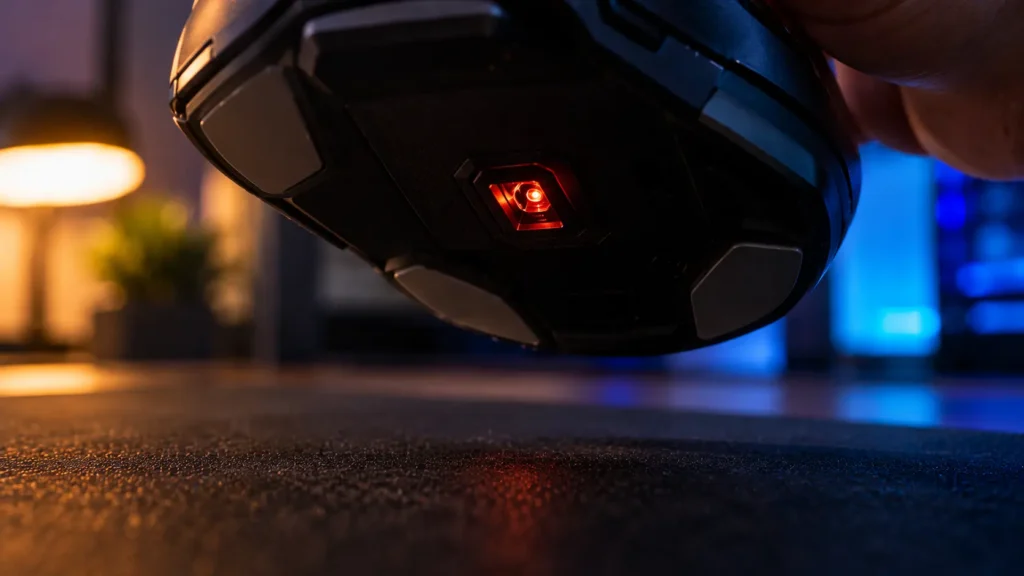
Inside the mouse, the sensor snaps thousands of tiny pictures of the surface each second and compares them to see how you moved. If the surface stays sharp in those pictures, the match works. Raise the mouse and the pictures blur, and eventually the sensor cannot find its match anymore.
The height where that happens is the lift-off distance. Under it, the sensor believes you are still sliding. Over it, the mouse counts as airborne, and the cursor should stay frozen. Most trouble happens right before that cutoff. If the sensor hangs on a bit too long, small movements get through, and the crosshair drifts while you are resetting your hand.
Where You will Actually Feel It
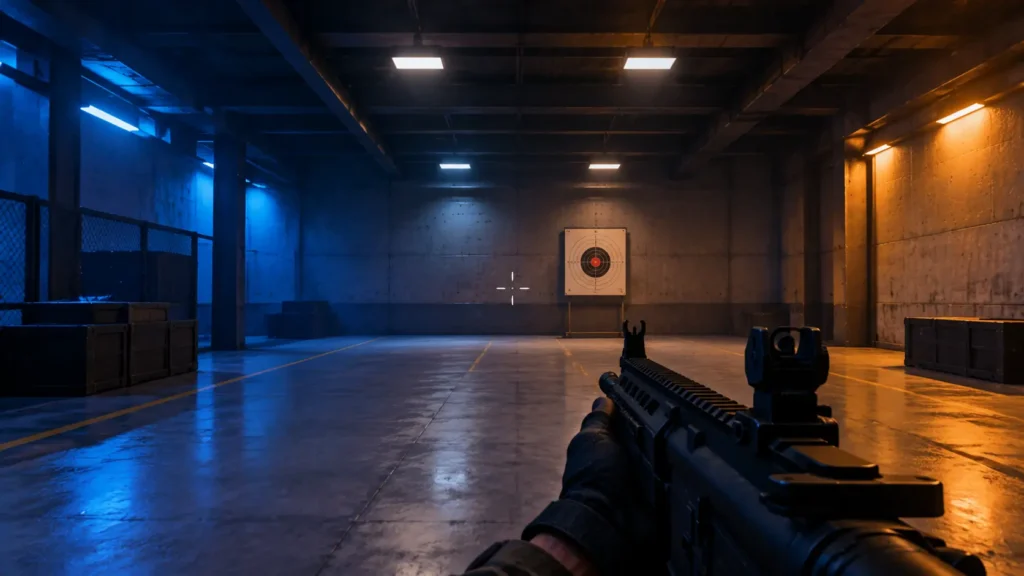
Players who run low sensitivity feel this one first. Crossing the screen takes a big arm sweep, so they hit the pad’s edge often and lift again and again. Each lift gives a high-LOD sensor another chance to nudge the crosshair. With a low, clean LOD, you can pick the mouse up, move it back, and put it down without the crosshair tagging along. The next flick starts from the spot you expect, and that reliability is most of the benefit.
People who switch from a high-LOD mouse to a lower one tend to say the same thing: resetting stops feeling messy, and they stop blaming themselves for shots that were not their fault.
We clearly saw this contrast during our own testing when analyzing the lift-off distance of both mice. The Endgame Gear XM1r performed flawlessly right out of the box because its sensor cuts off tracking at a super tight 1mm threshold, ensuring the crosshairs stay completely locked in place when you lift to reset. Switching to the Mad Catz R.A.T. 8+ changed the dynamic entirely; its default lift-off height sits noticeably higher at around 2mm, which caused the sensor to keep tracking hand movements mid-air and resulted in sudden crosshair jumps during low-sens sweeps. It was only after opening the Mad Catz software and manually calibrating the lift-off height down to its lowest setting that the R.A.T. 8+ stopped jittering and finally matched the clean performance of the XM1r.
Players Who Can Ignore It
Lots of people will never feel any difference. If you play at high sensitivity and aim mostly with your wrist, you almost never lift the mouse. A big pad gives you room to spare. And for office work or browsing, LOD simply does not come up.
It only counts while the mouse is off the surface. If your games rarely put it there, the number can wait.
Your Pad Is Part of the Equation
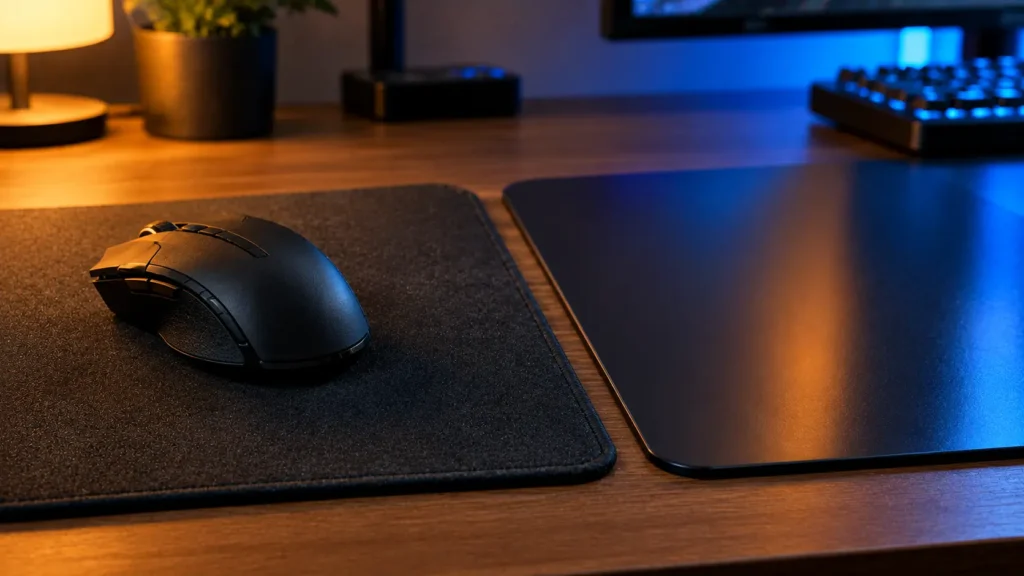
The LOD on the spec sheet was measured on one specific surface, and yours is likely a different one. Cloth, hard, dark, patterned, and thick pads each change what the sensor sees below it, which can raise or lower the real lift-off point. That’s the reason some brands include calibration, which lets the mouse study your pad and pick its own cutoff. Older laser sensors were also known for tracking at greater heights on certain surfaces, and our optical vs. laser guide covers that history.
A very low setting can cause its own headaches. On an uneven surface, it may drop tracking if the mouse tilts a little, and tilting is common with claw and fingertip grips. If you are not sure which grip you use, our grip guide can help.
Do not Mix It Up With DPI, Acceleration, or Angle Snapping
These four settings get confused constantly. DPI decides how far the cursor travels per inch of movement, which our DPI guide explains. Acceleration changes that distance depending on how fast you move. Angle snapping bends your path toward straight lines.
Lift-off distance stands apart from all three. It only matters while the mouse is off the surface, and the rest work while you slide. Changing one would not fix another, so check each by itself.
Reading the Manufacturer’s Numbers
Some brands publish LOD clearly, some hide it, and some leave it out. Endgame Gear lists 1 mm lift-off distance for its XM1r, and Mad Catz lists adjustable lift-off height among the configuration options for the R.A.T. 8+. These are the makers’ own figures, so use them as a starting point.
When a listing skips the number, check recent reviews or try it yourself. Lighter mice also lift more easily, so if you reset a lot, our weight guide is worth a look.
Test Your Own Mouse in Two Minutes
You do not need any software. Two simple checks will do.
Our testing guide has more routines like these.
Changing the Setting
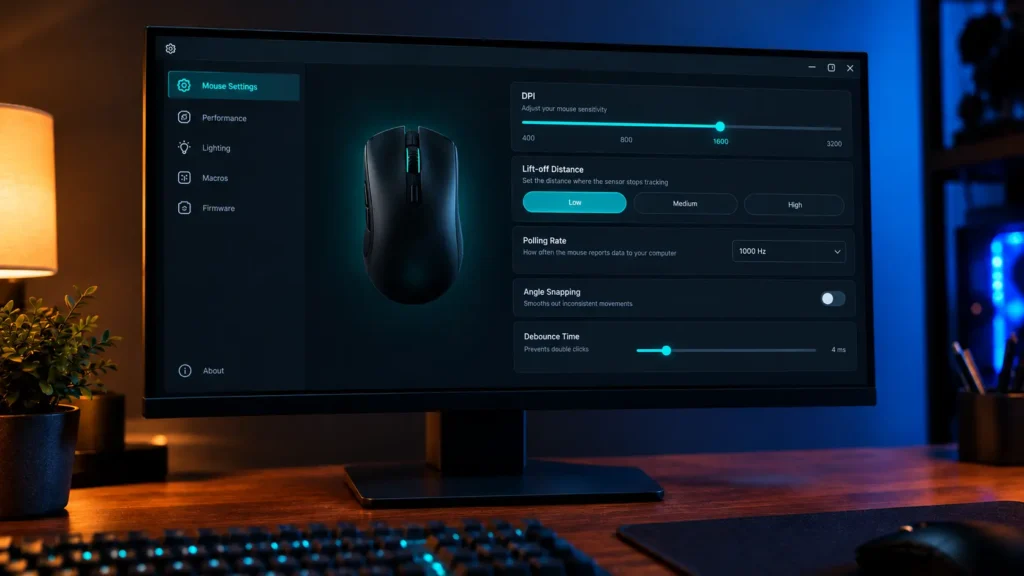
Open the companion app and look under sensor or tracking settings for lift-off distance, lift-off height, or surface calibration. Some mice offer a simple low or high option, while others accept an exact value.
Menu names differ between brands and change with updates, so use these steps as a rough map.
Before You Buy
Do not let LOD be the only reason you pick a mouse. Look at the sensor, read recent reviews, and check whether adjustable lift-off or calibration is offered. When the mouse arrives, test it on your own pad.
If you are still choosing, our how to choose the right gaming mouse guide is a good place to start.
Slip-Ups to Avoid
The biggest is trusting the number alone. A mouse rated at 1 mm can feel worse on your pad than one rated at 2 mm. Next is pushing LOD as low as it will go and then wondering why tracking drops when the mouse tilts. That swaps one problem for another.
Some people test on a surface they do not play on, so the result does not apply. Others blame LOD for what is really acceleration or smoothing. Change one thing at a time, and test it on your real pad.
Final Verdict
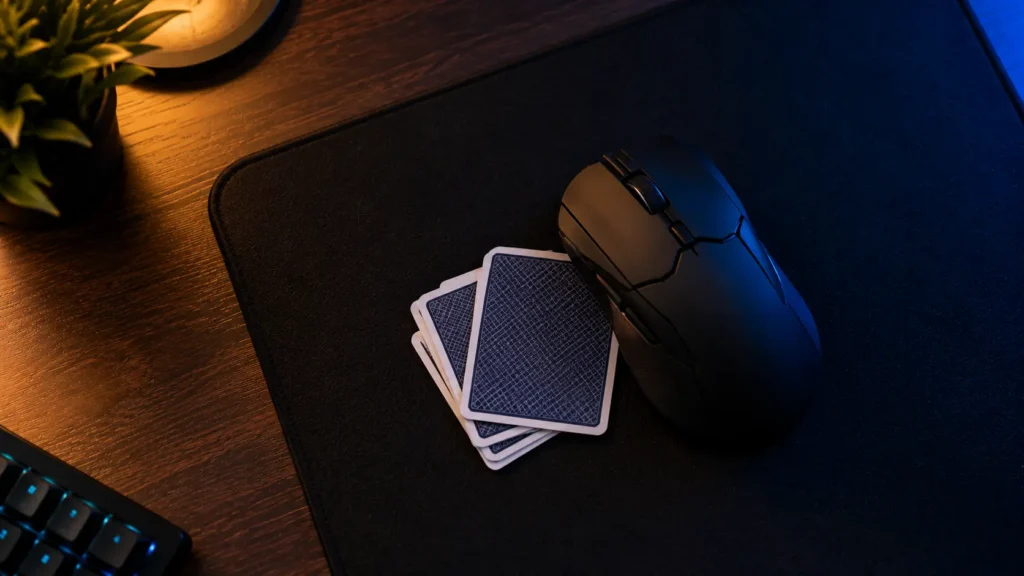
Lift-off distance is the height at which tracking stops once you raise the mouse. It matters most if you play at low sensitivity and reset often, and far less if you do not. Look for a low, steady value that works on your pad instead of chasing the smallest number. A few minutes with a stack of cards will tell you more than any spec sheet.
Frequently Asked Questions (FAQs)
Everything on this page comes from our team’s own experience, along with feedback from Amazon buyers and other verified users. We try to be straight about what we have seen, but experiences differ, and something that felt great to us would not necessarily feel the same to you. Fit, feel and habits are personal, so treat our advice as a starting point, not a promise.
We also pay attention to what real owners keep saying, not just what a spec sheet promises. If something looks great on paper but users keep flagging the same issue, we will mention it.
One Response