
How Many Years Can You Really Expect From a Gaming Mouse?
Picture this. It’s late, you are mid-match, and your left click just did something weird. Twice. Or the scroll wheel squeaked like a rusty gate. And now you are staring at the mouse thinking, is it dying?
Could be. Could be nothing. There is not a tidy answer, but there is a pattern, and once you spot it you will know what to do next. Make a cup of tea and let’s go through it.
The Short Answer
Somewhere around 2 to 5 years, going by what owners say. A few people get 8 or more out of one. Problems often show up around the 1.5 to 2 year mark. Just remember that comes from user reports and not from a lab.
Why so wide? Because it depends on you. How much you click, how hard you press (we all slam buttons sometimes), whether it’s wired or wireless, and how well the mouse was built. Premium ones usually last longer, though a pricey mouse can still quit early. We have all heard those stories.
Quick Breakdown Table
| Part | How it tends to age | What helps |
|---|---|---|
| Switches | Usually the first to wear, showing up as double clicks or missed clicks | Check debounce settings, avoid slamming buttons |
| Side buttons | Often wear early since they get pressed a lot | Press gently, keep them clean |
| Scroll wheel | Can start to skip, squeak or scroll unevenly | Clean with a cotton swab |
| Skates | Wear down and make the mouse drag | Easy to replace |
| Cable | Can fray or break near the plug or the mouse | Avoid tight coils and sharp edges |
| Battery | Loses capacity over time in built-in lithium designs | Keep an eye on drain, consider an AA-powered mouse |
| Sensor | Rarely fails first | Keep it free of dust and hair |
Mouse still in its first couple of years and acting up? Check the warranty before anything else.
What the Click Rating Really Means
You have seen those numbers on the box. 50 million clicks, 100 million clicks. They look like they would outlive you, so let’s put some maths on them.
Take someone who clicks about 9,000 times a day, which is a pretty relaxed routine. A 50 million click switch would need roughly 15 years to reach its rating, and a 100 million one about 30. Now picture a heavy clicker, around 60,000 clicks a day, deep in a fast strategy game. That same 50 million switch is finished in about 2.3 years, and the 100 million one in about 4.6. Those are our own rough numbers, not test results.
But there’s a catch. Ratings come from lab tests, with steady temperature and humidity and the same click force on the same spot every time. Your desk is nothing like a lab. One retailer guide says humid air can oxidise the metal contacts in mechanical switches, whereas optical switches have no metal contacts, so the environment bothers them less. And each switch carries its own rating, which means your left and right buttons are counted separately.
So use the rating as a hint, not a promise. For more on switches, try what are mouse switches and our optical vs mechanical guide.

What usually Wears Out First
Whatever you press or rub all day. One guide, built on user reports, lists the order roughly like this: switches, side buttons, scroll wheel and skates, and only after those the cable, battery, shell and sensor.
Spot where the sensor lands? Dead last. That’s why a mouse can feel finished while its sensor still tracks beautifully. The clicky parts are the ones that give up.
Here’s the good news. Skates, the little glide pads underneath, are usually easy to replace. Most of the other parts are not.

Signs Your Mouse is On its Way Out
You will spot these faster than you would expect. One press turning into two clicks. Clicks that vanish now and then. Buttons that feel soft and have lost their crisp snap. A wheel that skips or squeaks. Tracking that goes patchy. A mouse that suddenly drags across the pad. And on a wireless one, a battery that drains much quicker than it used to.
Still, do not panic at the very first double click. It could just be a debounce setting or a little dirt. Take a look at our debounce time guide and our double-click guide before you write the mouse off.

Does Wired or Wireless Last Longer?
A wired mouse has one less part that can fade. Wireless mice with a built-in lithium battery slowly lose capacity, and one retailer guide says that can begin after around 500 to 700 charge cycles. Mice that run on an AA battery skip the problem entirely, because you simply swap the battery.
Wired mice have a weak spot of their own, though: the cable. It can fray or snap near the mouse or the plug. So nobody wins outright. Wired is simpler, wireless is more convenient, and either can run for years with a bit of care.

How to Make a Mouse Last Longer
Begin with the obvious one: stop slamming the buttons after a bad round. Wipe the outside with an alcohol-free baby wipe, and use a cotton swab around the side buttons and the wheel. Keep dust and hair off the sensor. Do not let the cable get pinched or wound tight. And if your wireless mouse has no smart charging, do not leave it on the charger past 100% all the time.
Sure, it’s boring. But it works, and it costs nothing.

When It’s Time to Replace it
If the skates are worn, swap the skates. If the mouse is grubby, clean it. But when double clicks or missed clicks keep coming back after a clean and a settings check, the switch is most likely worn out, and that’s usually the end of the road.
Before you rebuy the same model out of habit, think about what bugged you. Was it the shape? The weight? Our guide on what makes a good gaming mouse can help you choose better this time, and our beginner buying guide keeps it simple.
Three Mice and What their Ratings Tell us
The details below come from makers’ and retailers’ listings, not our own tests.
Big numbers look nice. Still, a rating is just one piece of the story, and build, care and how hard you click matter every bit as much.
What Our Team saw
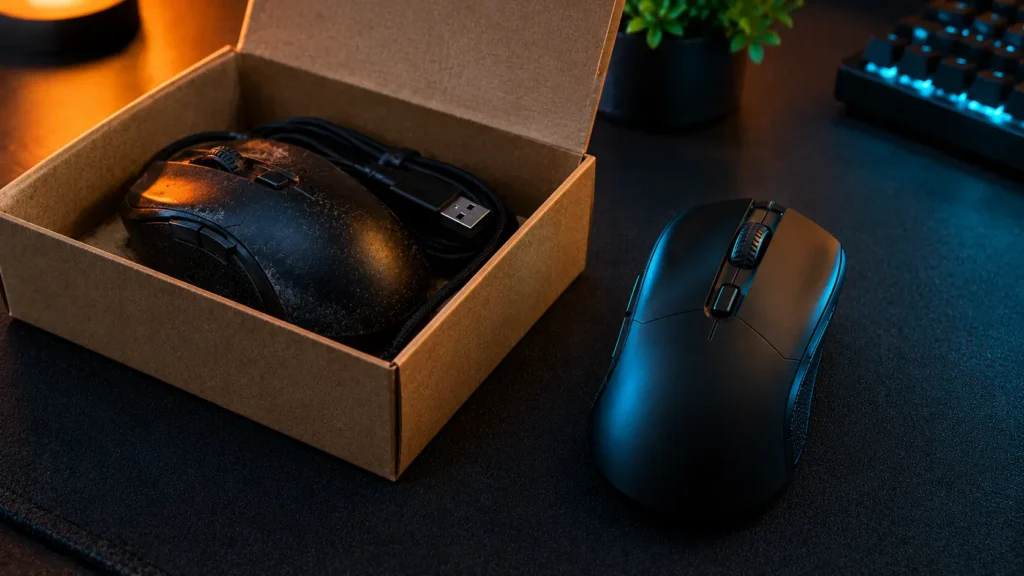
Over the years, our team has put both the Lenovo Legion M410 and the Corsair Dark Core RGB Pro through months of intense daily gaming and productivity tracking. The budget-friendly Legion M410 managed to give us about a year and a half of solid performance before its scroll wheel started skipping, turning weapon switching into a gamble. On the other hand, the heavy-duty Corsair Dark Core RGB Pro pushed through nearly three years of heavy use, though its breakdown eventually started with the battery life dropping drastically, followed by the Omron switches failing and causing frustrating double-clicks during intense firefights.
We tried everything to save them, from blasting the Legion’s scroll wheel with compressed air to updating Corsair’s iCUE software and adjusting click response times. While these tweaks gave us a few more weeks, they could not fix the degrading hardware. The final straw for the Lenovo was when sensor jitter made precise aiming impossible, while the Corsair was retired when its side grips turned into a sticky, peeling mess and the wireless connection began frequently dropping. Once these flaws started messing with our performance, we knew it was officially time to replace them.
Mistakes to Avoid
Three mistakes come up again and again. People trust the click rating alone. They replace a mouse the second it double clicks, before trying a clean or a debounce tweak. And they forget about the warranty until it’s too late.
One more thing: do not brush off the small warning signs. A mouse that’s slowly getting worse is much easier to deal with early. If you would like to test one properly, our testing guide has simple routines.
Final Verdict
So, how long will your gaming mouse last? Often 2 to 5 years, and sometimes a lot longer. Switches usually quit first, and a bit of care makes a real difference. Ratings are only a guide.
Here’s one tip to take with you. Clean it, go easy on the buttons, and try the simple fixes before you replace it. And when it finally is time for a new one, pick for fit first.
Frequently Asked Questions (FAQs)
Everything on this page comes from our team’s own experience, along with feedback from Amazon buyers and other verified users. We try to be straight about what we have seen, but experiences differ, and something that felt great to us would not necessarily feel the same to you. Fit, feel and habits are personal, so treat our advice as a starting point, not a promise.
We also pay attention to what real owners keep saying, not just what a spec sheet promises. If something looks great on paper but users keep flagging the same issue, we will mention it.
5 Responses