
Choosing a Gaming Mouse Without Wasting Your Money
Open any shop page and you get a wall of numbers. Sensor this, polling that, grams, millions of clicks. Honestly, most of it would not change how the mouse feels in your hand.
We wish someone had told us this years ago. The right mouse is not the one with the biggest specs. It’s the one that fits your hand and the way you play. So let’s take it one decision at a time. Grab a tea first.
The Short Answer
Start with how you hold the mouse and how big your hand is. Then think about weight, then wired or wireless. Skip the huge sensor numbers, check the switches, set a budget, and make sure you can return it if it feels wrong.
Fit first, specs second.
Quick Breakdown Table
| What to check | What to look for | Common trap |
|---|---|---|
| Grip and size | A shape that suits how you hold the mouse | Buying for the grip you wish you had |
| Weight | A weight your hand feels comfortable with | Assuming the lightest one is the best |
| Wired or wireless | The option that suits your desk and habits | Forgetting about battery life |
| Sensor | A modern sensor from a known maker | Paying extra for huge CPI numbers |
| Switches | A click feel you like, with a decent rating | Chasing the highest click rating |
| Budget and extras | Good fit within your price, plus a return option | Spending more than you need to |
Fit beats specs almost every time.
Why these Steps Work
Why go through these steps in this order? Because each one cuts the list down before the next one starts. Once you know your grip and hand size, half the mice in the shop are gone. Pick a weight and you lose a few more. By the time you reach wired or wireless, you are comparing three or four mice instead of forty, and that’s a much easier choice to make.
It also keeps you away from the usual traps, like paying extra for a sensor number you will never use, or grabbing a mouse because a streamer has it. These steps do not promise a perfect mouse. What they do is get you to one that fits your hand and your budget, with far less guessing and a lot less regret.
Step 1: Start with Your Grip and Hand Size
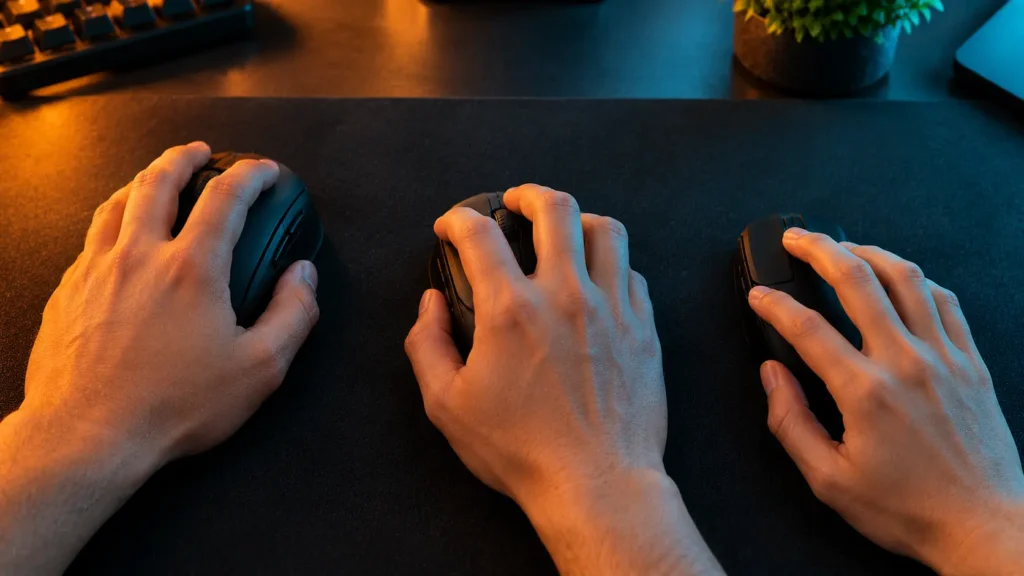
This one decides more than anything else. Palm grip players usually like a bigger, taller mouse. Fingertip players tend to want something small and light. Claw sits in between and likes a bit of a hump at the back. Not sure which one you are? Our guide on palm, claw and fingertip grip takes a few minutes to read.
Then there’s size. Stretching to reach the buttons? Too small. Fingers barely reaching the front? Too long. Get this wrong, even slightly, and it will annoy you every single day. No sensor on earth can fix that.
Step 2: Pick a Weight You can Live with
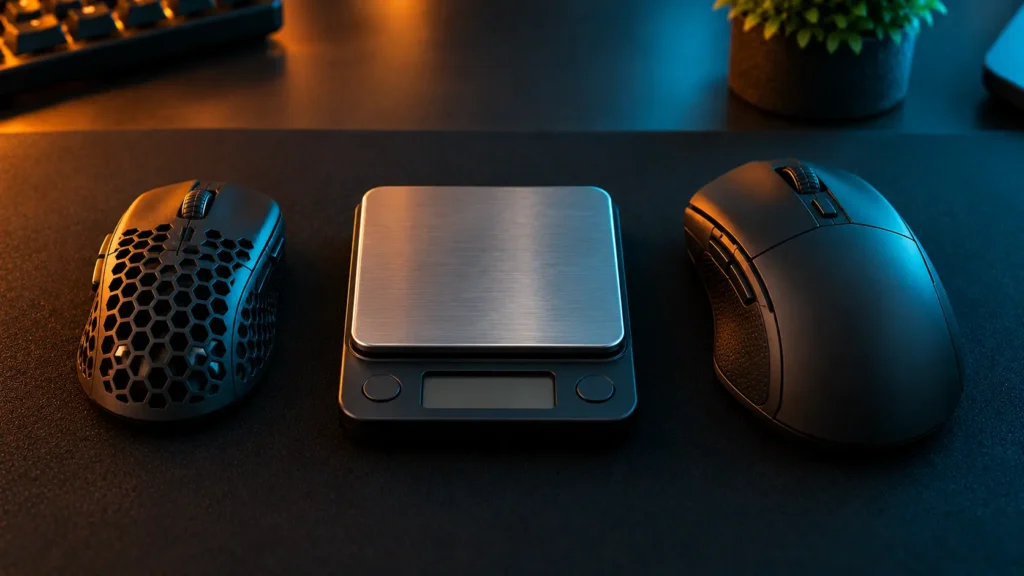
Lighter is not automatically better. It depends on your hand. Light mice feel quick and flicky, while heavier ones feel steadier and more planted.
To give you a feel for the range, makers list the Razer Cobra at 58g, the Rival 3 at 83g, the Logitech G203 at 85g and the G305 at 99g. Those are maker numbers, so check the exact figure for the version you are buying. Our gaming mouse weight guide goes further.
One warning, though. If you are coming from a heavy mouse, do not jump straight to the lightest one you can find. Your hand needs a few days to adjust, and that’s completely normal.
Step 3: Wired or Wireless
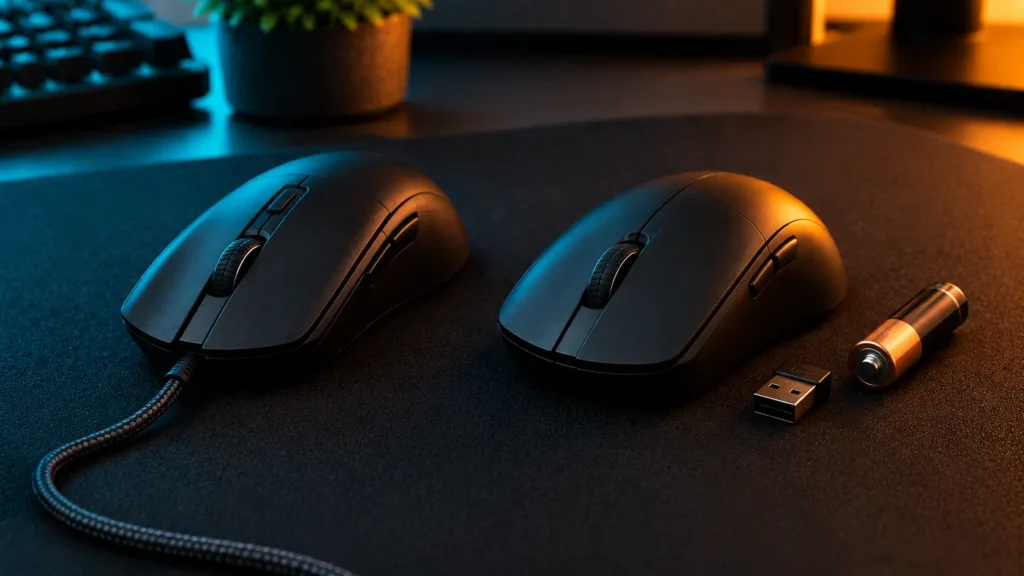
Wired is the easy option. No battery, no charging, nothing to forget. The cable can drag, though, and a stiff one gets annoying on a small desk.
Wireless frees up your movement and keeps the desk tidy, but now there’s a battery in your life, and that varies a lot. The G305 runs on a single AA, and the maker says up to 250 hours. Others charge over USB. Both are fine. Pick whatever suits how you live, because a dead mouse right before a match is nobody’s favourite.
Step 4: Do not Chase Big Sensor numbers
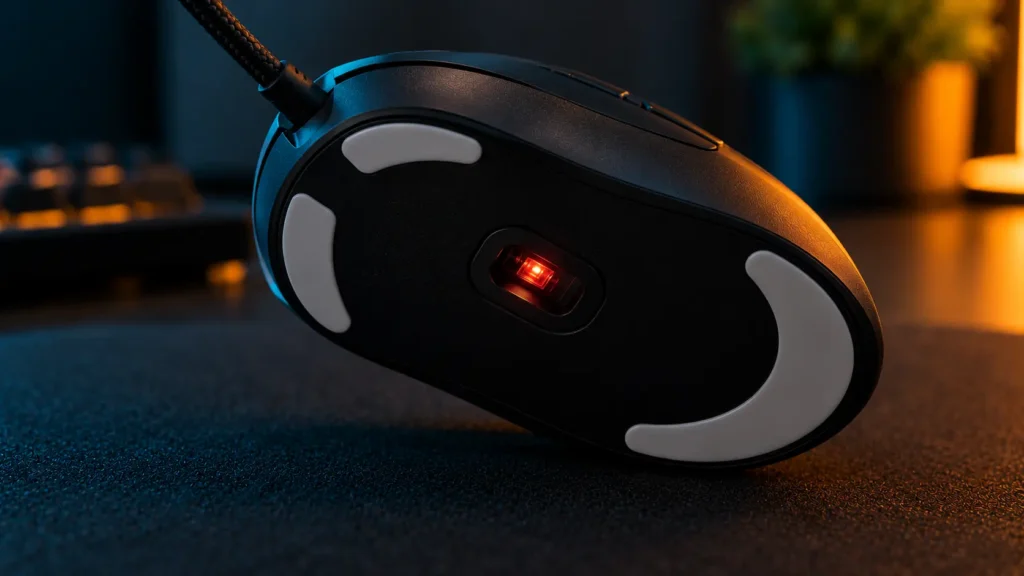
Shop pages love to show off here. A giant CPI number looks great on a box, but most players end up on a modest setting anyway. A modern sensor from a known maker tracks fine for nearly everyone.
So why pay extra for a number you will never use? Our piece on what CPI means in a gaming mouse explains it without the jargon.
Step 5: Look at the Switches
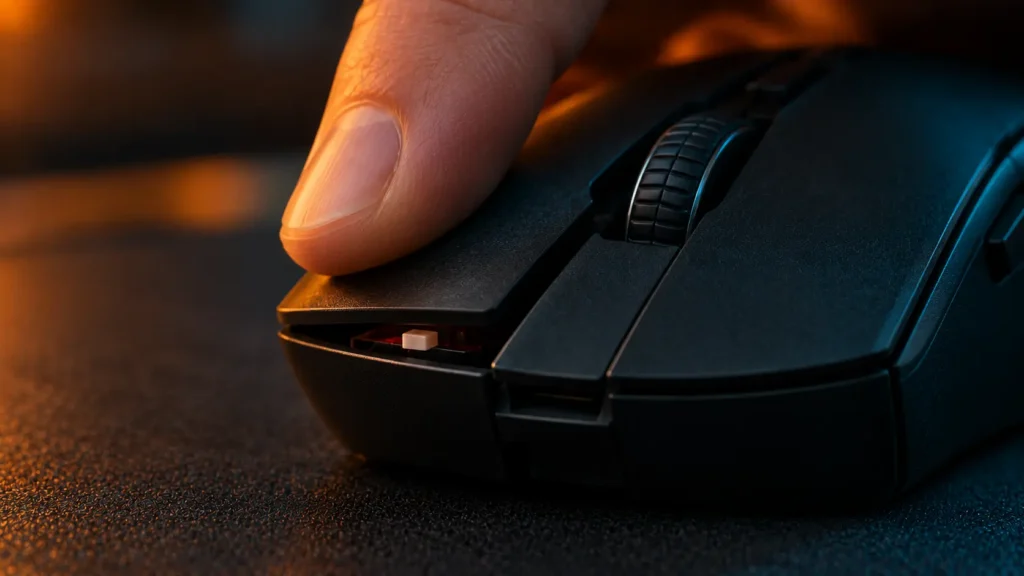
Switches sit under the buttons and make the click. They decide how a click feels and how long the mouse should last. Makers list lifespans in millions of clicks. The Cobra uses optical switches rated at 90 million, the Rival 3 is rated at 60 million, and the M65 RGB Elite uses Omron switches rated at 50 million.
Does higher mean better? Not really. All three will outlast most people’s patience. What matters more is the feel: light and crisp, or firmer and chunkier. Our guides on mouse switches and optical vs mechanical switches go deeper.
Step 6: Set a Budget, Then Check the Extras
Decide what you will spend before you start scrolling. It stops you getting talked into things you do not need. A mid-range mouse that fits your hand beats an expensive one that does not.
Then look at the little extras. Are the side buttons where your thumb actually rests? Do you want adjustable weight, like the M65 RGB Elite, which makers list at 97 to 116 g? Will you ever use the software? And check the return policy before buying, because some mice just do not feel right, even after all this homework. Wondering how long one should last? We covered how long a gaming mouse lasts too.
What Our Team saw
Our team was specifically looking for a lightweight, ambidextrous gaming mouse, which led us to test the Razer Cobra. Thanks to its symmetrical right-handed shape and incredibly low weight of just 58 grams, it felt perfectly natural for team members who prefer a claw or fingertip grip. Performance-wise, it features a highly precise 8,500 DPI optical sensor, Gen-3 optical mouse switches rated for 90 million clicks, and a flexible Speedflex cable that never drags on the desk. The visuals really impressed us too, as the mouse features stunning Razer Chroma RGB with a vibrant gradient underglow that looks amazing during night sessions. It gave us excellent, snappy control for micro-adjustments in fast-paced competitive shooters.
On the other hand, when we tested the wireless Razer Basilisk V3 Pro, we found it to be a completely different beast designed for pure comfort. It features a right-handed ergonomic shape with a dedicated thumb rest, making it a perfect match for a palm grip. At 112 grams, it has a much more solid and premium heft compared to the Cobra, housing high-end specs like the Focus Pro 30K optical sensor and the unique HyperScroll tilt wheel. This model absolutely dominates when it comes to aesthetics, packing an advanced 13-zone Chroma RGB lighting setup with a full underglow strip that casts an immersive glow across the mousepad. If you have larger hands and want maximum support alongside premium wireless performance, this heavy-duty option feels incredibly luxurious.
Mistakes to Avoid
Final Verdict
Know your grip and hand size. Pick a weight that feels comfortable. Choose wired or wireless to match your life. Ignore the biggest sensor numbers, go for a click you like, and stick to your budget.
Our advice is not to overthink it. If a mouse fits your hand and you stop noticing it, that’s the right one.
Frequently Asked Questions (FAQs)
Everything on this page comes from our team’s own experience, along with feedback from Amazon buyers and other verified users. We try to be straight about what we have seen, but experiences differ, and something that felt great to us would not necessarily feel the same to you. Fit, feel and habits are personal, so treat our advice as a starting point, not a promise.
We also pay attention to what real owners keep saying, not just what a spec sheet promises. If something looks great on paper but users keep flagging the same issue, we will mention it.
21 Responses