
Wired or Wireless? Which Gaming Mouse Is Really Worth Your Money
Ask ten gamers whether wired or wireless is better and you will get ten loud opinions, usually delivered with total confidence. Half of them think a cable is the only sensible way to play, and the other half would not go back even if you paid them. Funny thing is, most of them are right, because they are all talking about different setups.
So let’s slow down a little. No hype, no shouting, just a look at what actually changes when the cable disappears and what stays exactly the same. Get yourself a tea first, this one takes a minute.
The Short Answer
Wired is cheaper, never runs out of battery, and you do not have to think about wireless problems at all. Wireless gives you a tidier desk and more freedom to move, and with a good modern mouse the performance difference is pretty small. Light mice exist on both sides, and so do great ones.
In the end it mostly comes down to your budget and how much a battery would irritate you.
Quick Breakdown Table
| Features | Wired | Wireless |
|---|---|---|
| Latency | Steady, slightly ahead in most cases | Low, and the gap is small on good models |
| Battery | None to worry about | Needs charging or a new battery |
| Weight | Light options available | Light options available too |
| Price | Usually cheaper | Usually costs more |
| Desk feel | Cable can drag | Cleaner, freer movement |
| Common weakness | Cable drag and wear | Interference and battery life |
Neither one is the wrong choice, they just fit different people.
The Old Argument, and Why it’s Changed
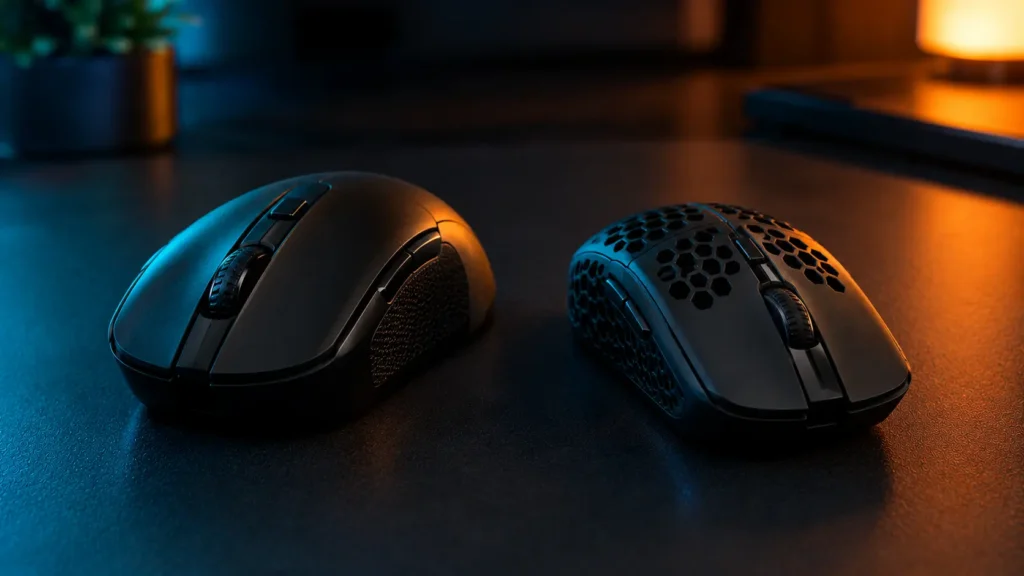
Not long ago this was an easy decision. Wireless meant lag, random dropouts and a mouse that felt like a brick, so anyone serious about gaming stuck with a cable and that was that.
These days it’s less clear-cut. One guide says the gap on modern high-end wireless mice is small, and plenty of pros have switched. The same guide still gives wired a slight edge in most cases. So the fair answer sits somewhere in the middle, and a lot depends on which two specific mice you are comparing.
Latency and Reliability
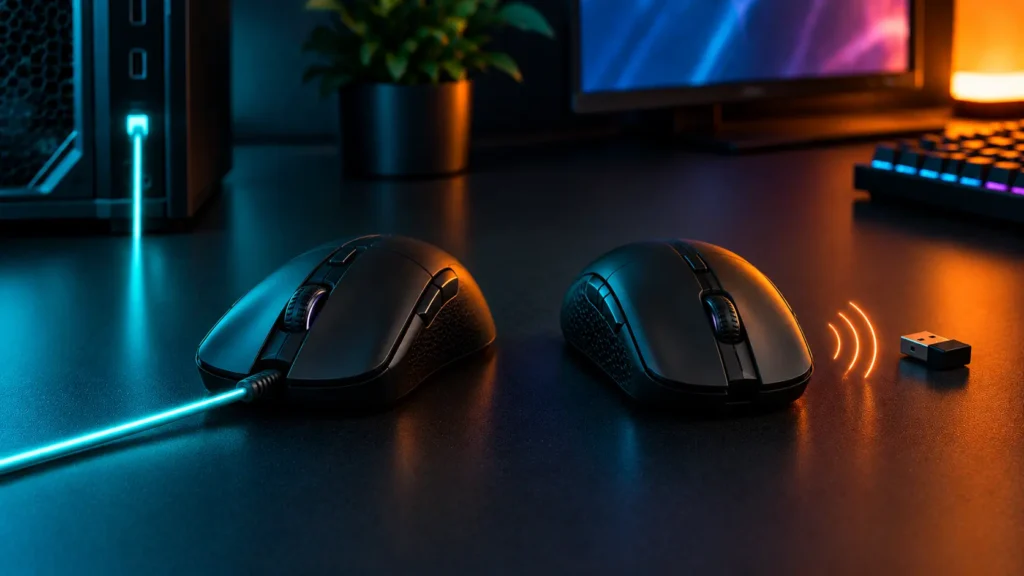
Lag is usually the first thing people bring up. With a cable the signal goes straight through, so wired mice avoid the interruptions that can cause delays, and they keep their polling rate steady. Most sit at 1000 Hz, though some newer ones are starting to offer 8K polling.
Wireless has caught up a lot on this front, whether it’s 2.4 GHz or Bluetooth. Interference is the thing to watch, mainly on a busy 2.4 GHz connection. One guide says 2.4 GHz tends to be more stable than Bluetooth, which picks up interference more easily. And if your clicks ever start acting strange on either kind, our piece on click latency and double clicks might sort you out.
Will you notice any of this in an actual match? Probably not. At the very top level that small edge could matter, but for everyone else it’s the sort of thing you would only spot in a test.
Battery Life
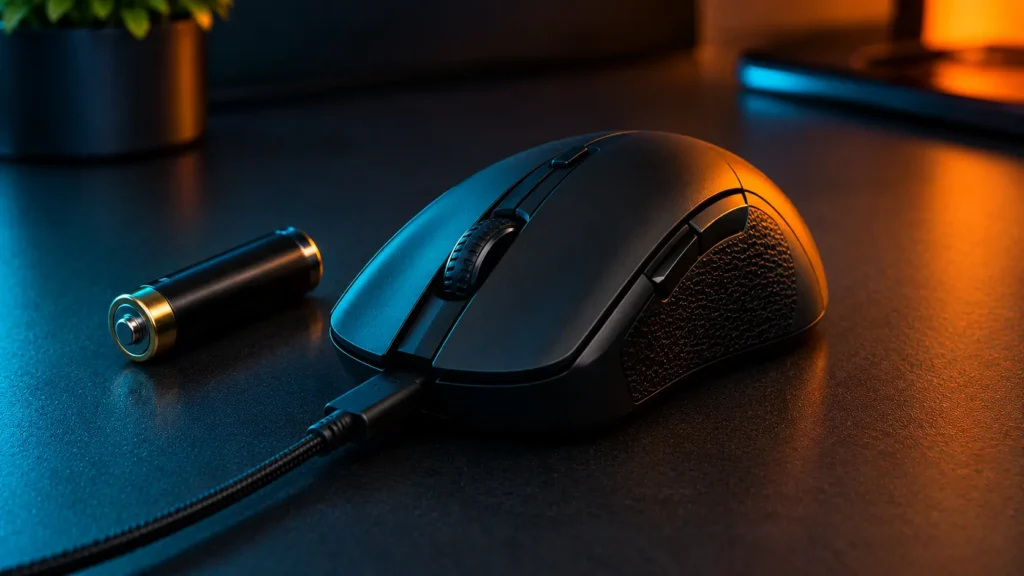
Battery is wireless’s weak spot, no way around it. It’s one more thing to remember, and the numbers are all over the place. One maker lists up to 400 hours on Bluetooth, another says 210, and a third says 100. The G305 runs on a single AA, and the maker claims up to 250 hours from it.
For most people that’s plenty. It’s still worth keeping an eye on, though, because a mouse that dies in the middle of a match is a special kind of annoying. Plenty of wireless mice can be plugged in to charge while you play, but check that on yours before you buy.
Batteries also wear out over time. One retailer guide says lithium cells can start losing capacity after roughly 500 to 700 charge cycles. We get into that more in how long a gaming mouse lasts.
Weight
Wireless used to automatically mean heavy, but that’s fading. A battery and a radio do add some weight, of course, yet one guide compared a wireless mouse with a wired one and found only about 2g between them.
Makers list the wired DeathAdder V3 at 59g and the G203 at 85g. On the wireless side you have got the Viper V3 Pro at 54g, the Aerox 5 Wireless at 66g and the G305 at 99g, so light mice turn up on both sides. Those are maker figures, so check the exact number for the version you are actually buying. Our gaming mouse weight guide goes into more depth.

Price
Wired mice generally cost less than their wireless cousins, and one guide even says price is now the main thing that separates the two.
So the real question is whether a clean desk is worth the extra money to you. Some people will say yes without thinking twice. Others would rather put that cash toward a mouse that fits their hand better, and honestly, if a good wired one suits you, there’s nothing wrong with keeping the money in your pocket.

What Our Team saw
Our team spent weeks testing the Corsair M65 RGB Ultra which is wired alongside the wireless Logitech G PRO X2 Superlight. During our gaming sessions, the wireless Logitech mouse showed no lag or dropouts at all, performing just as fast as the hardwired Corsair. The Corsair offered bulletproof reliability without any charging needs, though its cable did add minor drag on the desk during fast swipes. Meanwhile, the Logitech battery held up incredibly well, lasting through days of intense use.
For recommendations, the team prefers the lightweight Logitech mouse for fast competitive shooters where cable-free movement is key. The heavier Corsair mouse, which is wired, is the ideal pick for tactical players who want extra stability, customizable weights, and a budget-friendly price.
Which One should You Pick?
Here’s a simple way to look at it. If you are on a tight budget, or the thought of charging yet another gadget makes you groan, wired is hard to beat. If you love a tidy desk, or you play on a small or portable setup, wireless will make your life easier.
Still cannot decide? Think back to the last time a cable annoyed you, then the last time a dead battery did. Whichever memory stings more is probably your answer. And if you are still working out which mouse to buy in general, our guide on how to choose the right gaming mouse takes you through it step by step.

Mistakes to Avoid
Final Verdict
If you want the simplest, cheapest option with the least fuss, go wired. If you would rather have a clean desk and the freedom to move, and you do not mind charging now and then, go wireless.
Our advice is to ignore whatever the internet is shouting this week and pick the one that fits how you actually play and live. The right mouse is the one you forget you are holding.
Frequently Asked Questions (FAQs)
Everything on this page comes from our team’s own experience, along with feedback from Amazon buyers and other verified users. We try to be straight about what we have seen, but experiences differ, and something that felt great to us would not necessarily feel the same to you. Fit, feel and habits are personal, so treat our advice as a starting point, not a promise.
We also pay attention to what real owners keep saying, not just what a spec sheet promises. If something looks great on paper but users keep flagging the same issue, we will mention it.
15 Responses